
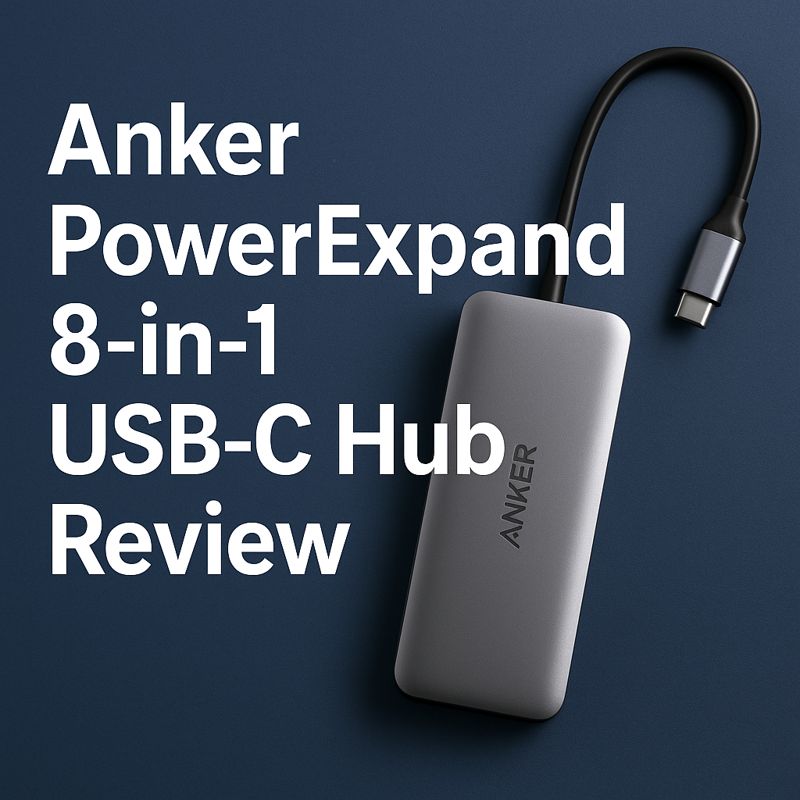
Anker PowerExpand 8-in-1 USB-C Hub Review: Pros, Cons & Real Use
The Anker PowerExpand 8-in-1 USB-C Hub is one of the most popular USB-C hubs for home office and daily laptop use. It’s often recommended for users who need external display support, charging passthrough, and multiple ports without moving to a full docking station.
But does it actually deliver reliable performance for everyday work?
In this review, we’ll break down:
- Key features and ports
- Real-world home office performance
- Pros and cons
- Who this USB-C hub is best for
So you can decide if it’s the right choice for your setup.
Overview: What Is the Anker PowerExpand 8-in-1?
The Anker PowerExpand 8-in-1 is a compact USB-C hub designed to expand a single USB-C port into multiple connections for laptops and tablets.
Ports Included
- HDMI (supports 4K output)
- USB-C Power Delivery (up to 85W passthrough)
- 2× USB-A ports
- Ethernet (RJ45)
- SD card reader
- SD card reader
You can view the full technical specifications directly on Anker’s official product page, which lists supported resolutions, power limits, and compatibility details.
👉 External reference: Anker official product specifications
Build Quality & Design
Anker is known for solid construction, and the PowerExpand 8-in-1 reflects that.
- Aluminum housing helps with heat dissipation
- Compact design suitable for travel or desk use
- Reinforced USB-C cable connection
Compared to cheaper plastic hubs, this model feels more durable and less prone to overheating during extended use.
Display Performance (4K Output)
Display output is one of the most important factors when choosing a USB-C hub.
The Anker PowerExpand supports 4K video output, which is suitable for:
- External monitors
- Office productivity
- Media consumption
Independent testing from tech publications such as AV Access shows that hubs supporting higher refresh rates deliver smoother performance for daily tasks, especially when scrolling or multitasking.
Power Delivery & Charging
This hub supports USB-C Power Delivery passthrough up to 85W, allowing you to charge your laptop while using connected peripherals.
For most ultrabooks and MacBooks, this is sufficient for:
- Office work
- Video calls
- Everyday multitasking
Data Transfer & Daily Use
For daily home office tasks, the USB-A ports handle:
- Keyboard and mouse
- Webcams
- External storage devices
The SD and microSD card readers are useful for:
- Content creators
- Photographers
- File transfers without additional adapters
In normal use, performance is stable with no noticeable connection drops.
Pros and Cons
✅ Pros
- Reliable brand reputation
- Solid aluminum build quality
- Supports external displays
- Power delivery passthrough
- Compact and travel-friendly
❌Cons
- Limited USB-A ports for heavier setups
- Can get warm under heavy load
- More expensive than generic alternatives
Who Is This USB-C Hub Best For?
The Anker PowerExpand 8-in-1 is a good choice if you:
- Work from home or hybrid
- Use one external monitor
- Want a compact, dependable hub
- Prefer trusted brands over budget options
You may want to look elsewhere if you:
- Need dual-monitor support
- Require many USB-A ports
- Want the cheapest possible hub
USB-C Hub vs Docking Station
Many experts, including reviewers at CNET, recommend USB-C hubs over docking stations for most users due to lower cost and portability.
Docking stations make more sense only if you:
- Use multiple monitors
- Keep a permanent desk setup
- Need enterprise-level connectivity
👉 External reference: CNET USB-C hub vs docking station guide
Final Verdict: Is the Anker PowerExpand 8-in-1 Worth It?
If you’re looking for a reliable USB-C hub for home office and daily use, the Anker PowerExpand 8-in-1 is a solid option.
It’s not the cheapest hub available, but it offers:
- Consistent performance
- Good build quality
- Fewer reliability issues than budget models
For most users, it strikes a good balance between features, durability, and everyday usability.
👉 Check the latest price and availability of the Anker PowerExpand 8-in-1 USB-C Hub